01
Reflection
A reviewed summary of your answers that you edit, approve, or reject.
 Geode Labs
How Yu works
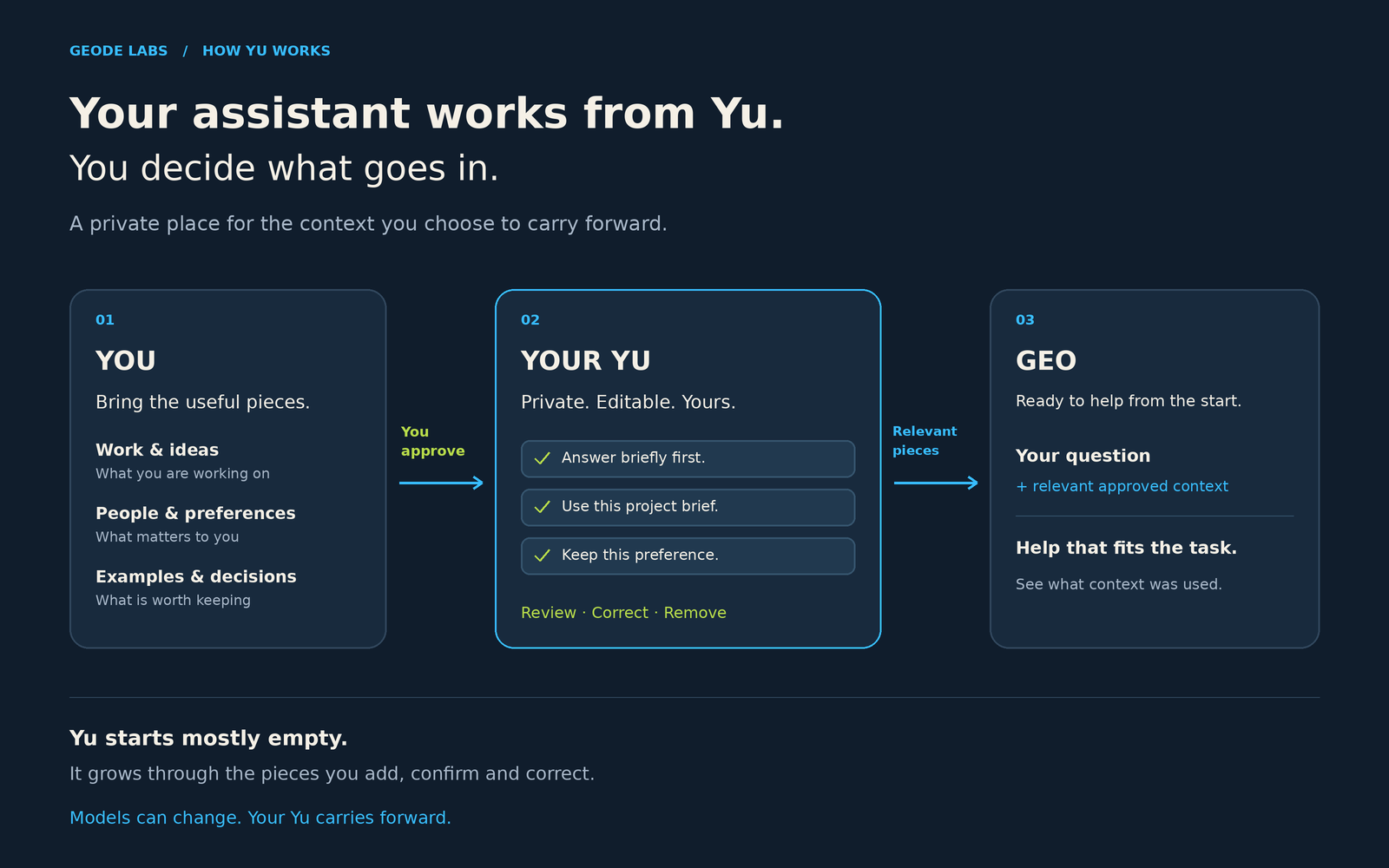
Yu gives you a private place to store, organize, and use the context that makes your AI more useful: how you think, work, communicate, decide, and relate.
The system
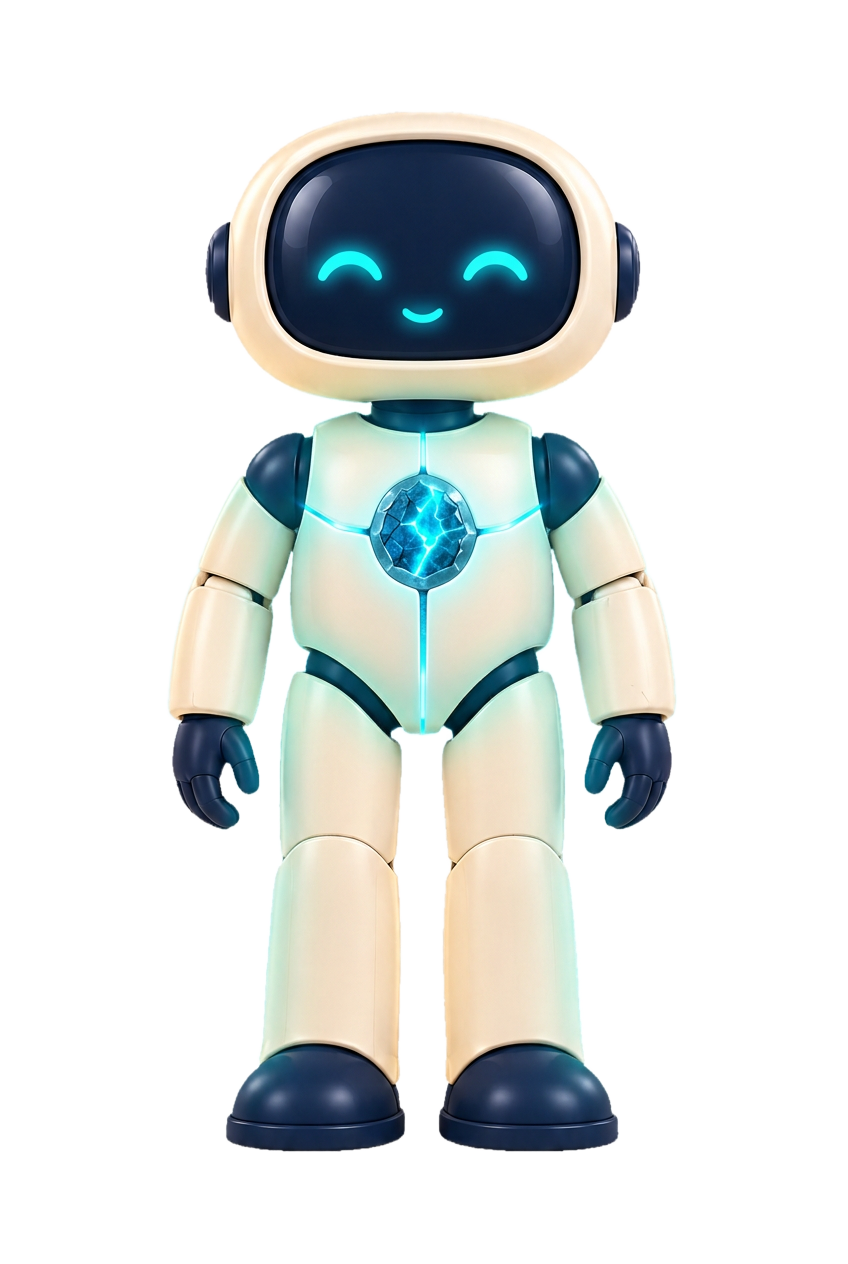
You do not have to map yourself from scratch. Yu gives you structured ways to add context, then asks you to approve what belongs before anything is saved. This is how the Cognition layer of your map gets built.

01
Short prompts help you capture real signals from your work, relationships, decisions, and everyday thinking.

02
Each week maps one part of cognition, communication, motivation, memory, values, processing, or personality.
03
At the end of a week, Yu turns your answers into a reflection you can edit, approve, or reject.
04
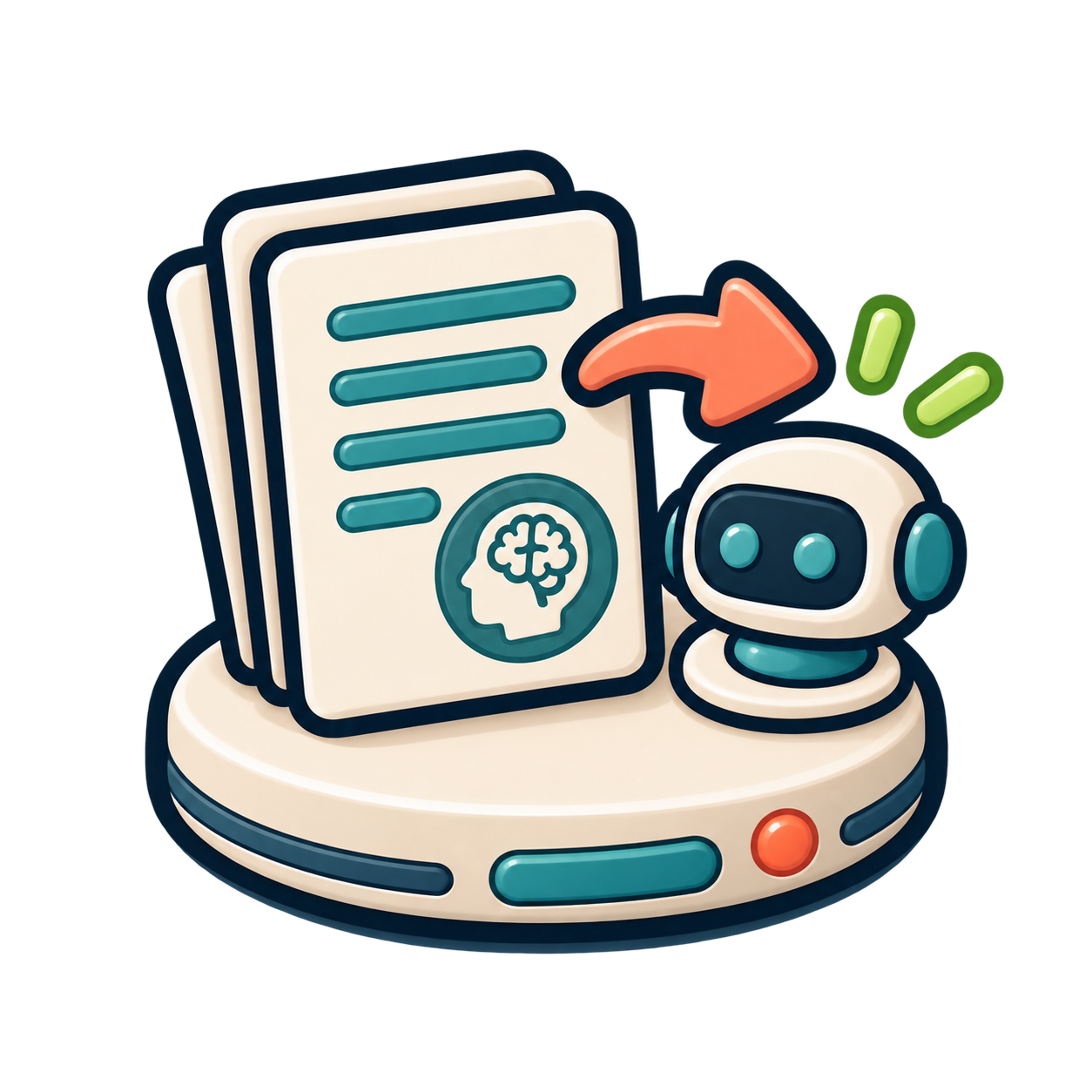
Approved reflections become plain-language instructions you can save, copy, and use with the AI tools you already use.
The architecture
Your Yu starts with you, then expands into the people, projects, documents, and worlds you want AI to understand.
Your personal context: how you think, communicate, decide, work, relate, and get unstuck.
People, preferences, history, decisions, recurring context, and the life details you choose to keep.
A 52-framework guided map of how your brain tends to work.
Documents, notes, writing, research, source material, and uploaded files.
Separate context areas for a client, company, project, person, or topic. A business, a grant, a public figure, or a body of work can each have its own workspace.
Portable instructions you can copy into ChatGPT, Claude, or another AI tool.
Coming later: use AI inside Yu directly, with your approved context already there.
Today
Build your context map, answer guided questions, approve reflections, and copy AI instructions into the AI tools you already use.
Next
Add documents, create workspaces, and use Yu as the home base for a personalized AI experience.
Over time
One focused topic at a time. Guided activities help turn your answers into structured context. You review what was created before it becomes part of your Yu.
Setup is quick on purpose. Your profile and a short reflection give enough signal to prepare Gio, your starter assistant. From there, your map grows piece by piece as you add more.
One answer can reflect a mood, a task or a bad day. Yu waits for repeated evidence and your corrections before anything is treated as a pattern worth saving.

What you leave with
Yu does not make the model smarter. It gives your AI a clearer picture of how you work.
01
A reviewed summary of your answers that you edit, approve, or reject.
02
The plain-language instruction written from an approved reflection.
03
All your approved instructions, gathered into one set for your AI.

One example, kept short
01 · Reflection
You stay exploratory longer than you think.
02 · Instruction
While I explore, expand and test ideas. When I commit, challenge assumptions.
03 · Instruction set
Joins your other approved instructions, so your AI reads them together.
Today you copy your AI instructions into Claude or ChatGPT. Using AI inside Yu directly comes later, with your approved context already there.
For the technically curious
You decide what goes in. Yu keeps the context you approve, and Gio uses the pieces relevant to the task in front of it.